Download from
Play Store

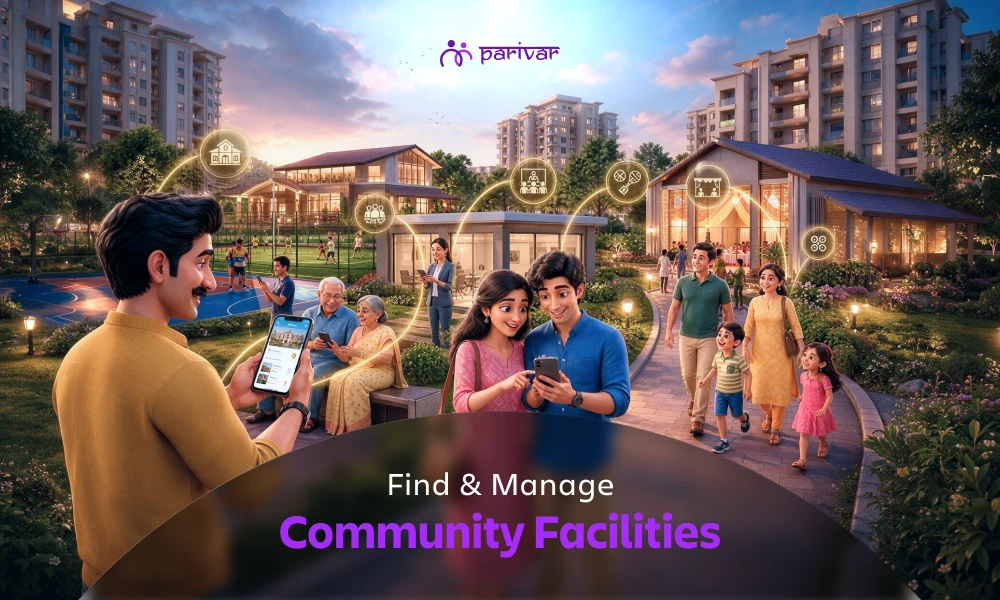
TABLE OF CONTENTS
A clubhouse nobody knows how to book. A community hall that's accidentally double-booked. A sports ground that only a handful of residents know is available.
Shared facilities are valuable community resources, but managing them can quickly become difficult when information is scattered across WhatsApp groups, notice boards, and conversations with committee members.
Parivar App's Facility feature brings facility information into one centralized place, one of several best community app features designed to reduce everyday friction. Community admins and facility owners can list available spaces with important details, photos, and contact information, while members can easily browse, filter, and find the right facility for their needs.
Here's how the Facility feature works for both admins, owners, and community members.
The Facility feature allows communities to create and manage listings for shared spaces and amenities such as:
Each listing can include essential information such as the facility name, type, location, photos, contact details, and supporting documents.
Members can browse available facilities, use filters to find relevant options, and view the listing details before contacting the facility owner or administrator.
No. Parivar helps members discover facilities, but the actual booking is handled directly between the member and the listed facility owner or admin.
This approach gives communities flexibility. Different facilities may have different booking rules, timings, approval processes, or usage conditions. Instead of forcing every community into one rigid booking workflow, Parivar keeps facility discovery simple while allowing communities to manage bookings according to their existing processes, much like how committees already handle approvals and decisions offline.
A centralized facility directory can make everyday community management considerably easier.
Members don't have to ask multiple people or search through old community messages to find out what spaces are available.
Facility details, photos, location information, and contact details can be maintained in a single listing instead of being scattered across different channels.
Photos and detailed information allow members to understand whether a facility is suitable before contacting the owner or administrator.
Owners can make their facilities visible to a wider section of the community rather than relying only on word-of-mouth or individual inquiries.
When important information is already available in the listing, members can make more informed inquiries and owners spend less time answering basic questions.
Facilities are more likely to be used when residents know what is available and how to reach the right person, a small but meaningful way to increase community member engagement.
Community admins and facility owners can follow these steps to add a facility.
Open the Parivar App, log in to your account, and go to the Facility section from the Community menu.
Select Add a Facility and enter essential information, such as:
Try to provide as much accurate information as possible. A complete listing makes it easier for members to understand the facility without needing multiple follow-up questions.
High-quality photos increase member trust.
Attach clear photos of the space. You can also upload supporting files such as:
Good visuals can help members quickly determine whether a space is appropriate for their event or activity.
Once you've entered the details and added the necessary files, review and submit the facility listing.
After it is published, community members can discover the facility through the Facility section and use available filters to narrow their search.
Tip: Keep facility information updated. If contact details, usage conditions, or availability change, update the listing so members always have reliable information. Good community moderation practices go a long way in keeping listings trustworthy.
Looking for a community space for an event, meeting, or gathering? The process is simple.
Go to the Facility section in your Parivar community and browse the available listings.
Use available filters such as facility type, location, or availability to narrow down the options.
Instead of scrolling through every facility, you can quickly focus on spaces that match your requirements.
Open a listing to view information such as:
Review the details before reaching out to the owner or administrator.
Once you've found a suitable facility, contact the listed owner or admin to check availability, discuss requirements, and complete the booking according to your community's process.
In short:
Browse → Filter → View → Contact
Adding facilities is only the first step. Keeping the information useful and reliable is just as important.
Remove outdated information and update contact details, usage conditions, or temporary availability changes as soon as possible.
High-quality photos give members a better idea of the facility's size, layout, and condition.
If there are specific timings, usage rules, conditions, or restrictions, mention them clearly in the listing.
Since members contact owners or admins directly for bookings, timely responses can make the experience much smoother.
Facility management doesn't always end with finding a space. Communities can use other Parivar features to handle related activities. For example, the Request feature can help with formal requests or approvals, while a safe space for community discussions can help members coordinate details when group communication is needed. Facility bookings can also tie directly into how communities create and manage events.
Community facilities are more than just physical spaces. They support events, meetings, celebrations, sports, and everyday interactions between residents.
But a facility can only be useful when people know that it exists, understand what it offers, and know whom to contact.
By bringing facility information into one accessible location, Parivar helps communities make better use of the resources they already have. Instead of relying on scattered messages and word-of-mouth, members can discover facilities through a structured, searchable directory, one of the reasons many communities find Parivar more effective than social media apps for staying organized.
It's one more way Parivar helps reduce everyday friction and makes community life more organized, accessible, and connected.
Whether you're a facility owner looking for more visibility or a member trying to find the right space for your next event, the Facility feature makes the process simple on both ends.
Download the Parivar App today and explore how easy managing shared community spaces can be.
Curious about common pitfalls in facility management? Check out our related post on community facility management mistakes to avoid the most frequent ones.
TABLE OF CONTENTS
ABOUT

Parivar - Bringing all community members together at your fingertips, the community engagement app will let you connect with your community conveniently.
SUBSCRIBE TO OUR NEWSLETTER