Parivar-bg-design
build-strong-neighborhood-with-community-app

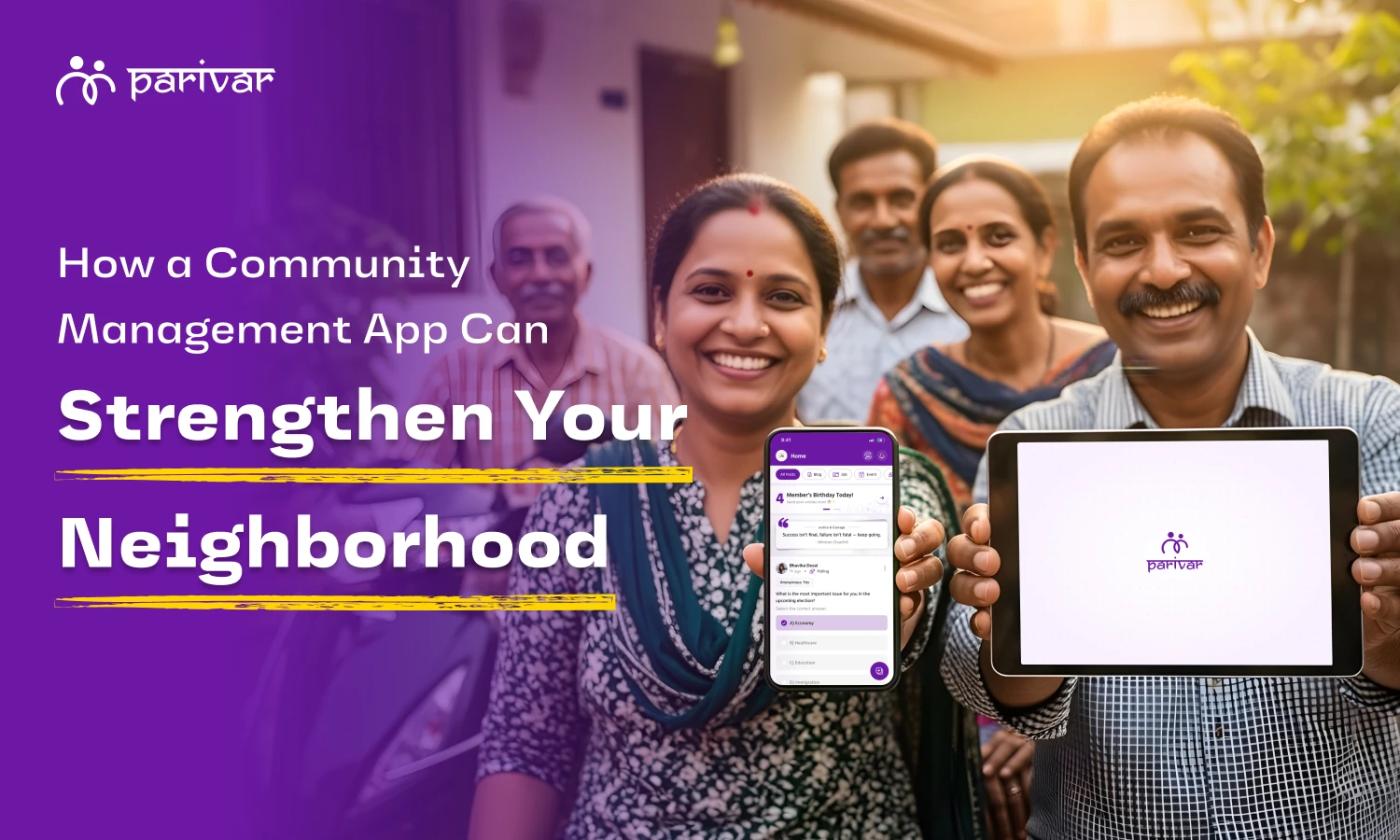
How to Build Stronger Neighborhood Societies with a Community App

  • Default Author Image

    Kanishka Panchal

  • August 06, 2025 7 min read

TABLE OF CONTENTS

    • 1. Clear and Organized Notices
    • 2. Centralized Event Management
    • 3. Resident Directory & Family Tree
    • 4. Maintenance and Expense Updates
    • 5. Raise Concerns or Suggestions
    • 6. Cultural and Religious Group Spaces
    • 7. Polls & Voting Made Simple
    • 8. Emergency Communication
    • 9. Private, Noise-Free Community Space
    • Parivar is a Great Place to Start. Download Now.

Introduction

Good neighborhoods don’t just happen, they’re built.

They’re built on trust, clear communication, shared efforts, and a sense of belonging. But in today’s busy world, we barely have time to connect with our own families, let alone our neighbors. It’s easy to feel out of touch with what’s happening right around us.

That’s where a community management app can truly help, turning neighbors into friends and unknown streets into true communities.

If you manage or live in a residential society, apartment complex, or gated colony, using a simple digital platform can help everyone stay connected, informed, and involved. And that’s exactly what Parivar is designed for.

Why Neighborhoods Need Better Communication

Most communities face similar problems:

  • Residents don’t know about upcoming events or meetings
  • Important announcements are missed among forwards and unnecessary messages
  • New families feel left out
  • Festive or cultural planning becomes chaotic
  • There’s no easy way to raise concerns or suggestions

These gaps slowly reduce interaction and trust between neighbors. A well-organized, transparent system helps people feel included and improves the overall atmosphere of your community.

What a Community Management App Like Parivar Can Offer

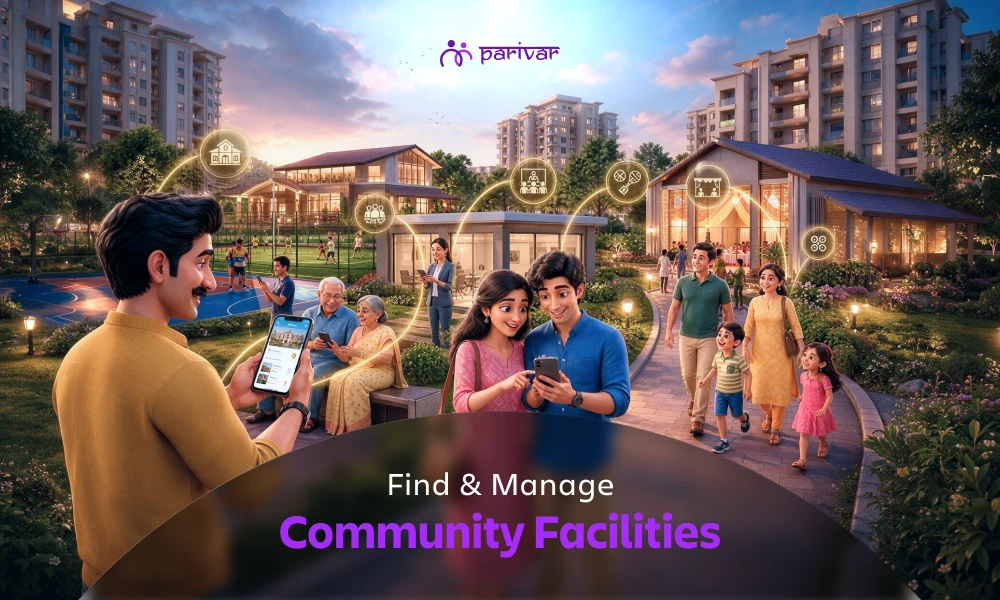
Parivar isn’t just for families, it’s built to bring even neighborhoods and residential communities closer. Whether you live in an apartment complex, gated society, or independent housing colony, Parivar helps streamline daily communication, reduce confusion, and encourage participation.

Here’s how it helps your neighborhood community:

1. Clear and Organized Notices

Society-level updates like water supply issues, power cuts, or lift maintenance can be posted and viewed easily. No need to rely on word-of-mouth or scattered and aggressive forwards.

2. Centralized Event Management

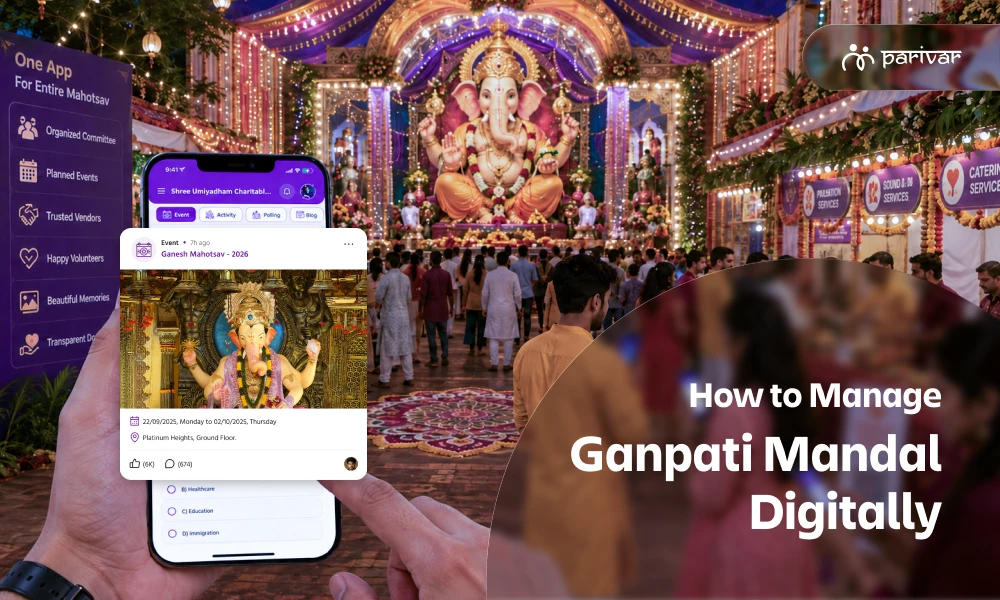
Societies love coming together to celebrate festivals and host fun events, but managing everything can get overwhelming. That’s where Parivar helps. It gives your community a single space to plan, discuss, and organize cultural celebrations, weekend activities for kids, meetings, and much more, all with ease.

  • Share event details
  • Send invites to all members
  • Create albums and post pictures after the event

Everything stays documented and accessible to all.

3. Resident Directory & Family Tree

Residents can see who lives where, their flat number, and their family members with the help of family tree feature, helping new families feel welcomed and improving neighbor-to-neighbor interaction.

4. Maintenance and Expense Updates

Committee members can upload:

  • Maintenance bills and payment reminders
  • Common area expenses
  • Society budget documents

This builds transparency and keeps all residents informed.

5. Raise Concerns or Suggestions

Residents can raise queries, share concerns, or suggest improvements (like security upgrades, parking issues, or gardening ideas) directly through the app, without any awkward in-person confrontations.

6. Cultural and Religious Group Spaces

Sub-groups can be created for different interest areas:

  • Ganesh Utsav planning
  • Morning walkers group
  • Book reading club

This helps smaller community clusters engage within the larger society.

7. Polls & Voting Made Simple

Need to decide on repainting the building? Or finalizing Diwali celebration plans? Use Parivar’s built-in polls to get everyone’s opinion easily. You don’t need to chase responses or organize in-person voting.

8. Emergency Communication

Need to alert everyone quickly? Whether it’s a security concern or health-related issue, Parivar ensures messages reach every household immediately, notifying everyone without any missed calls or updates.

9. Private, Noise-Free Community Space

Unlike chat apps where messages get buried, Parivar keeps things organized by type: discussions, events, photos, announcements. Residents only see what is important, with no spam or forwards.

How Society Management Apps Change Daily Life in Your Neighborhood

You don’t need major changes to make your society feel more connected. Small, consistent improvements can make a big difference, and that’s what Parivar enables.

Here’s what starts to happen when your community is better organized and more engaged:

  • Neighbors become more familiar and approachable, even those who rarely interacted before
  • Society meetings and events are better attended and more meaningful
  • Residents feel informed and involved in decisions, not left out or confused
  • Cultural events run more smoothly, with less stress on organizers
  • New families feel included, right from day one
  • Important updates never go unnoticed, no matter how busy people are

These aren’t just app features, they’re the building blocks of a stronger, more connected neighborhood.

A Small Step That Brings Neighbors Closer

Think about the last time your society planned an event, maybe a festival celebration, a general meeting, or just a weekend cleanup. How many calls, messages, and reminders did it take? How many people didn’t show up simply because they didn’t get the right information?

Now imagine all of that handled in one place clearly, calmly, and without confusion.

That’s the kind of difference Parivar makes. It doesn’t try to change how your community lives, it simply makes it easier for everyone to stay connected, involved, and informed.

Whether you’re a resident or part of the managing committee, it gives you the tools to run your society better and make your neighborhood feel like home.

Parivar is a Great Place to Start. Download Now.

Try it with your committee, or share it with your neighbors and see the difference it makes.

📲 Available on Android and iOS


TABLE OF CONTENTS

    • 1. Clear and Organized Notices
    • 2. Centralized Event Management
    • 3. Resident Directory & Family Tree
    • 4. Maintenance and Expense Updates
    • 5. Raise Concerns or Suggestions
    • 6. Cultural and Religious Group Spaces
    • 7. Polls & Voting Made Simple
    • 8. Emergency Communication
    • 9. Private, Noise-Free Community Space
    • Parivar is a Great Place to Start. Download Now.

ABOUT

Parivar - Bringing all community members together at your fingertips, the community engagement app will let you connect with your community conveniently.

Frequently Asked Questions

How can Parivar help my apartment society communicate better?

Parivar gives your society one organized place for all announcements, event invites, and updates. You don’t need to rely on scattered groups or phone calls, everyone gets clear, timely information directly through the app.

Parivar works for all types of communities, whether you live in a small society, an apartment complex, or an independent housing colony. You can start with a few neighbors and expand as more people join.

Parivar includes organized notices, event planning tools, polls, resident directories, expense updates, group discussions, and emergency alerts, all designed to make society management simple and transparent.

Absolutely. Parivar lets you plan, share details, invite neighbors, and even post photos after the event. It makes managing festivals or community gatherings hassle-free.

Yes. Parivar keeps your community’s information private and secure. Unlike open chat apps, only verified members of your society can see announcements, documents, and photos, ensuring your data stays within your community.

Recent Blogs

View all
increase-community-member-engagement

How to Increase Member Engagement in Your Community

Building a digital home for your community on Parivar app is a great first step. But once the members are there, the real work begins: keeping the conversation flowing and making sure everyone feels like they truly belong. A community isn't just a list of names and phone numbers; it’s a living, breathing group of people. If your community space has been a bit quiet lately, here are some simple ways to encourage more participation. Everyday Practices That Encourage Community Participation Small, thoughtful actions that help members feel welcomed, heard, and comfortable taking part. 1. Start with a Warm Welcome Think of your community app like your own home. When someone walks in, you don’t ignore them, you greet them. When a new member joins: Tag them in a post and say hello Invite them to share a short introduction When elders and leaders take the first step in welcoming new members, it sets the tone. Younger members feel more comfortable joining conversations when they see familiar names being active and friendly. 2. Understand Who Your Members Are Not everyone engages in the same way. Some members love to post and comment, while others prefer to quietly read updates. Some elders may hesitate to post, while younger members may be unsure if their voice matters. Understanding your community means paying attention to: Different age groups Comfort with technology Interests and availability When communication feels inclusive and respectful, people are more likely to participate at their own pace. 3. Share Stories, Not Just Announcements If a community space is used only for official updates or serious announcements, it can start to feel heavy. Engagement grows when people are invited to share stories, memories, and everyday moments. Simple ideas that work well: Post an old photo and ask, “Who remembers where this was taken?” Invite members to share a traditional recipe passed down in the family. Ask members to talk about their first job, first home, or first visit to their ancestral village. Stories create warmth and invite natural participation. 4. Keep Communication in One Place When information is scattered across multiple WhatsApp groups and personal messages, people miss updates and slowly disconnect. Having one central place for: Announcements Discussions Events Celebrations helps members know exactly where to look. Clear, organized communication reduces confusion and builds trust. 5. Make Participation Easy and Comfortable People don’t avoid engagement because they are uninterested. Often, they avoid it because participation feels complicated. Engagement improves when: Posting or responding takes very little effort The app feels simple enough for elders and youngsters alike Members don’t feel pressured to write long messages The easier it is to participate, the more people will do it, sometimes even with just a photo or a short comment. 6. Use Pictures to Bridge the Distance A long message might be skipped, but a photo almost always gets attention. Encourage members to: Share a childhood photo alongside a current one (“then and now”). Post a quick selfie when a few family members meet for coffee or dinner. Share photos from small gatherings or events. Pictures remind everyone that the community is active in real life, not just on a screen. 7. Celebrate the Small Wins Big events like weddings and festivals are important, but small moments are what make people feel truly seen. Make space to celebrate: Exam results or academic achievements Job changes or promotions Birthdays and anniversaries Even a simple congratulatory message from members can brighten someone’s day and strengthen bonds. 8. Keep a Regular Rhythm, Without Overcrowding Posting too often can push people away, while posting too little can make the space feel inactive. A steady rhythm works best: A weekly “Member Spotlight”. A short wisdom quote from an elder. A simple question at the end of a post. Instead of just sharing information, invite replies. Small questions often lead to more natural responses. 9. Be Open and Transparent Engagement grows when members trust the space. Share: Decisions clearly Updates honestly Outcomes openly When people understand what’s happening and why, they feel respected and included, not left out. 10. Use Technology to Support Real Connections Technology should make community life easier, not replace relationships. A good community app helps people: Stay informed without overload Participate without pressure Stay connected even when they are busy or far away Used thoughtfully, tools like Parivar app simply bring people closer and make everyday connection smoother. 11. Use Events to Bring People Together Events are one of the strongest ways to increase engagement. They give members a reason to come together, whether online or offline. Sharing event details clearly, sending reminders, and posting updates before and after the event keeps the excitement alive.  Even members who cannot attend feel connected when they see photos or updates later. Regular community events help strengthen relationships and make the community feel active and alive. 12. Keep Improving Based on What Works Engagement is not a one-time effort. It needs regular attention. Observe: What type of posts get responses? Which events have good participation? Where do members lose interest? Use these insights to improve gradually. Even small changes can make a big difference over time. Creating a Community People Want to Be Part Of Increasing member engagement is about creating a space where people want to be involved. Strong communities grow when people feel welcomed, heard, and comfortable being themselves. When communication is clear, participation is simple, and small moments are valued, engagement builds on its own. With a thoughtful approach and a shared space like Parivar, communities can stay connected, even across distance and busy lives, making it easier for everyone to take part in everyday moments that truly matter. If your community hasn’t already, you can download the Parivar app on iOS and Android to create a single, comfortable space where these everyday interactions can happen naturally. Your first step this week:  Go to your Parivar app’s feed right now and post one old photo. Don't worry about the caption, just ask 'Who remembers this?' and see what happens. Consistency over time is key. Watch how a small, genuine effort can start a ripple effect of connection across your community.

  • Kanishka Panchal
family-vs-community-side-parivar-app

Understanding the Two Sides of the Parivar App: My Profile vs Community

The Parivar App is more than just a social application; it’s a platform designed to help you stay connected with both your family and your wider community. This structure is defined by two core spaces: ‘My Profile’ and ‘Community’. This powerful separation is key to the app's success: My Profile: Your private family space for personal relationships and memories. Community: Your shared space for group engagement, events, and community activities. Many users think about the difference between these two sections and the specific features available in each. In this guide, we break down both sides of the Parivar App, detailing the tools that help you connect, organize, and thrive within your network. Let's explore the comprehensive features within each section, starting with ‘My Profile’. My Profile: The Heart of Your Family The ‘My Profile’ section is your personal, dedicated space focused on preserving your family history, strengthening immediate relationships, and managing your personal and familial milestones. It is the digital anchor for your closest connections. Here are the key features available on the ‘My Profile’ side of the Parivar App. 1. Family Member & Family Tree The core feature for connecting generations. You can create your very own family tree, easily add, remove, or invite members, and connect with relatives and cousins globally. 2. Matrimonial A secure platform for finding a life partner within trusted community circles. You can create and upload a matrimonial profile that is visible exclusively to trusted members within your community, removing the need for external apps. 3. Memories Your personal archive for cherished family moments. Upload photos, short reels, or long videos, organize them into private albums, and easily share them with your family to keep memories alive and accessible. 4. Wishes A dedicated feature for celebrating milestones. Easily send and receive warm wishes exclusively for birthdays, ensuring no family member’s special day goes unnoticed. 5. Friends Enables private, real-time communication across Parivar. You can send friend requests to individuals, manage your personal connections, and start one-to-one or group chats. 6. Chat Chats are private and connection-based, meaning you can message: Family members from your family tree Friends you’ve personally connected with Community members only after a mutual connection is established This setup ensures your conversations are always private, controlled, and distinctly separate from public community discussions. 7. Daily Quotes A source of inspiration and positivity, offering curated quotes across themes like wisdom, growth, and spirituality to spark meaningful conversations and add rhythm to your day. Community: Growing Together The Community section focuses on collective engagement, shared resources, and running community activities for the larger group. This is where members collaborate, exchange information, and participate in events that benefit everyone. 1. Create or Join Community The gateway to connection. You can start a new community or send a request to join an existing one. Once approved, you gain exposure to new connections and community-wide resources. 2. Events Easily organize and manage community gatherings, encouraging members to participate and helping to bring your community closer in the real world from professional meetings to social gatherings and exhibitions. 3. Jobs A dedicated job portal for the community. Post vacancies, share resumes, and hire budding talent directly from within your trusted network, providing opportunities for members. 4. Discussion & Blog Hubs for sharing ideas and insights. Use the Discussion feature for community conversation and share thoughts on traditions, careers, and more, and explore or contribute to the Blog feature with posts written by community members. 5. Polling Makes decision-making easy. Create and publish polls to quickly gather opinions and input from the community on important or even small decisions. 6. Invitations Makes sharing event details easy and efficient. You can openly share public event invites with all community members instantly, eliminating the need for physical invites or individual messages. 7. Album A private, shared media gallery specifically for the community. Any photos, videos, or media uploaded by individual members are visible here, creating a collective visual record of community life and events. 8. Request & Facility Allows members to seek or offer support. Use the Request feature to ask for help (e.g., blood donation or charitable causes). The Facility feature lets admins list and members book shared resources like venue rentals. 9. Committee Facilitates internal governance for administrators. This feature is limited to committee members only, allowing them to view who is part of the committee, with the admin retaining the right to manage membership. 10. Achievements A celebratory space to recognize success. Community members can upload and share achievements, awards, and rewards, allowing everyone to offer congratulations and spread joy. 11. Report & Feedback Essential for a healthy platform. Use Report to flag any inappropriate content (matrimonial, jobs, blogs). Feedback is where you can share suggestions to help the platform continuously improve. Parivar App: The Perfect Balance of Family and Community Connection This clear separation between the intimate ('My Profile') and the expansive ('Community') ensures your experience is always organized, relevant, and meaningful.  The Parivar App empowers you to nurture close family bonds while actively contributing to your larger community.  Download the Parivar App today and experience the perfect balance of family bonding and community collaboration like never before! Available on Android and iOS

  • Kanishka Panchal
parivar-registration-login

How to Register and Get Started on the Parivar Community Management App

The Parivar Community Management App makes it easier for families and communities to stay organized, connected, and engaged. Whether you want to manage family details, participate in community updates, or stay connected with relatives, the first step is creating your account and setting up your profile. This guide walks you through each step, from signing up to adding your family members, ensuring a smooth onboarding experience. To begin your journey, download the Parivar App from the Google Play Store or App Store, and follow the simple onboarding steps. Signing in to Your Parivar Account If you’ve already created an account before, Parivar lets you sign in quickly using two simple methods: Password Login or OTP Login. A. Sign In with Password This is the traditional and secure way to access your account. Open the Parivar app and select Sign In. Enter your email address or contact number. Type in your password. Tap Sign In to access your dashboard. This login method is useful if you prefer not to wait for OTPs every time. B. Sign In with OTP For users who prefer convenience or cannot remember their passwords, Parivar offers login via OTP. Enter your email address or contact number on the login screen. If you're signing in with a phone number, you can check the box to receive updates on WhatsApp. You’ll receive a One-Time Password (OTP) on the email or number you provided. Enter the OTP and tap Submit to sign in instantly. This is helpful for quick access without needing a permanent password. Creating a New Account (Sign-Up Process) If you’re new to the Parivar app, the registration process is simple and only takes a minute. Here’s how to create your account: Enter your First Name Enter your Last Name Select your Gender Choose your Birth Year from the dropdown Provide your Email Address or Contact Number Create a strong password you can remember Agree to the app’s Terms & Conditions After submitting this information, Parivar will send you a confirmation code to verify your identity. Enter the code, tap Submit, and your Parivar account will be successfully created. Verification ensures your information stays secure and prevents unauthorized access. Signing in After Deleting Your Account Parivar gives users the option to delete their accounts, but only permanently after a 30-day window. If you attempt to log in during this period: You will see a pop-up message asking for confirmation: “Are you sure you want to sign in to your account?” It will remind you that: Signing in now will restore your account, canceling the scheduled permanent deletion. You can choose: Yes – to restore and sign in No – to cancel This ensures users have full control over account restoration during the 30-day grace period. Completing Your Profile After Sign-In Once you’re logged in, the next step is to complete your profile. A complete profile helps other members recognize you and allows the app to connect you with your family structure. Add Your Personal Information You will be asked to fill in: First Name Middle Name (optional) Last Name Gender Blood Group Birthdate Education Details These details make your profile authentic and useful within the community ecosystem. Adding Your Family Members on Parivar One of the core features of Parivar is the ability to digitally map your family tree and stay connected with relatives inside the app. How to Add Existing Members If your family members are already on Parivar: Use the Search Member feature to find them. Send them a connection request. Select your relationship with them (e.g., Father, Mother, Sister, Cousin). Once they accept the request, the member is officially linked to your family profile. If you added a wrong person by mistake, or selected the wrong relationship, you can cancel your request and send a correct one anytime. This feature helps build an accurate family network within the app, making community communication more efficient. You’re All Set to Explore Parivar App The Parivar Community Management App is designed to simplify how families and communities stay connected. With easy sign-in options, a simple registration process, and powerful family-linking features, anyone can get started in just a few minutes. Whether you are setting up your profile for the first time or reconnecting after reactivating your account, Parivar ensures a seamless and secure onboarding experience.

  • Kanishka Panchal